

We deliver finished work through a private gallery rather than a shared drive link. It keeps your images in one place, makes album selection easier and lets the studio control access. This is a short guide to using it.
Opening your gallery
You will receive a private link and a password from the studio, usually by email or WhatsApp. Open the link, enter the password and your gallery will unlock for this browser. The gallery is not listed publicly and will not appear in search results.
If the password does not work, check that you are using the most recent link and that there are no extra spaces. If the gallery has expired, contact the studio and we will restore access.
Favourites and album selection
Tap the heart on any photograph to add it to your favourites. You can switch to a favourites-only view at any time, and your selections are saved in this browser. When you are ready, send the studio a screenshot or a note with the number of favourites you have chosen.
For albums and print orders, we recommend marking a first pass without overthinking, then returning a day later to narrow it down. The images that stay with you are usually the right ones.
Downloads and sharing
Where downloads are enabled, use the download button on an individual image or download your favourites in one go. Files are the edited, delivery-ready versions — not unprocessed camera files. Please keep a backup of your gallery download; private links are not a permanent archive.
You are welcome to share your gallery images with family and friends. Please do not publish them for commercial use without speaking to the studio first, and please credit GODSOWN STUDIO EMPIRE when you post them publicly.
If something is missing
Tell us. If an image did not upload, if you expected a frame that is not in the gallery, or if you need a different crop, reply to your delivery email with the gallery title and the image number. We would rather fix a gap than have you settle for an incomplete set.
Written by GODSOWN STUDIO EMPIRE in Benin City. If you have a question this guide did not answer, message the studio — we answer directly.
More notes from
the studio.
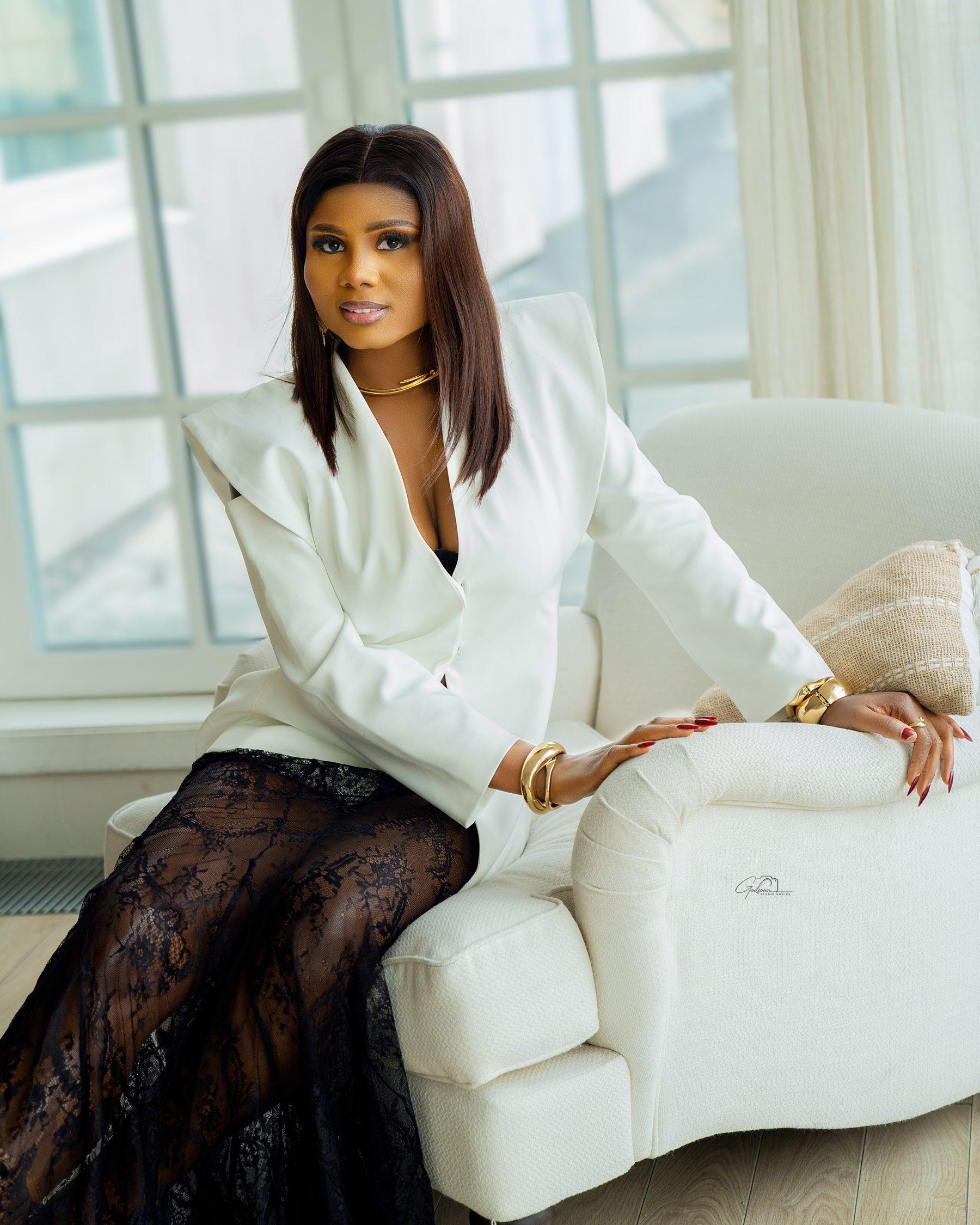 Portrait guide
What to wear for a portrait session
A simple wardrobe formula for studio and outdoor portraits — colours, texture, fit and the outfits that photograph best on camera.
Read the guide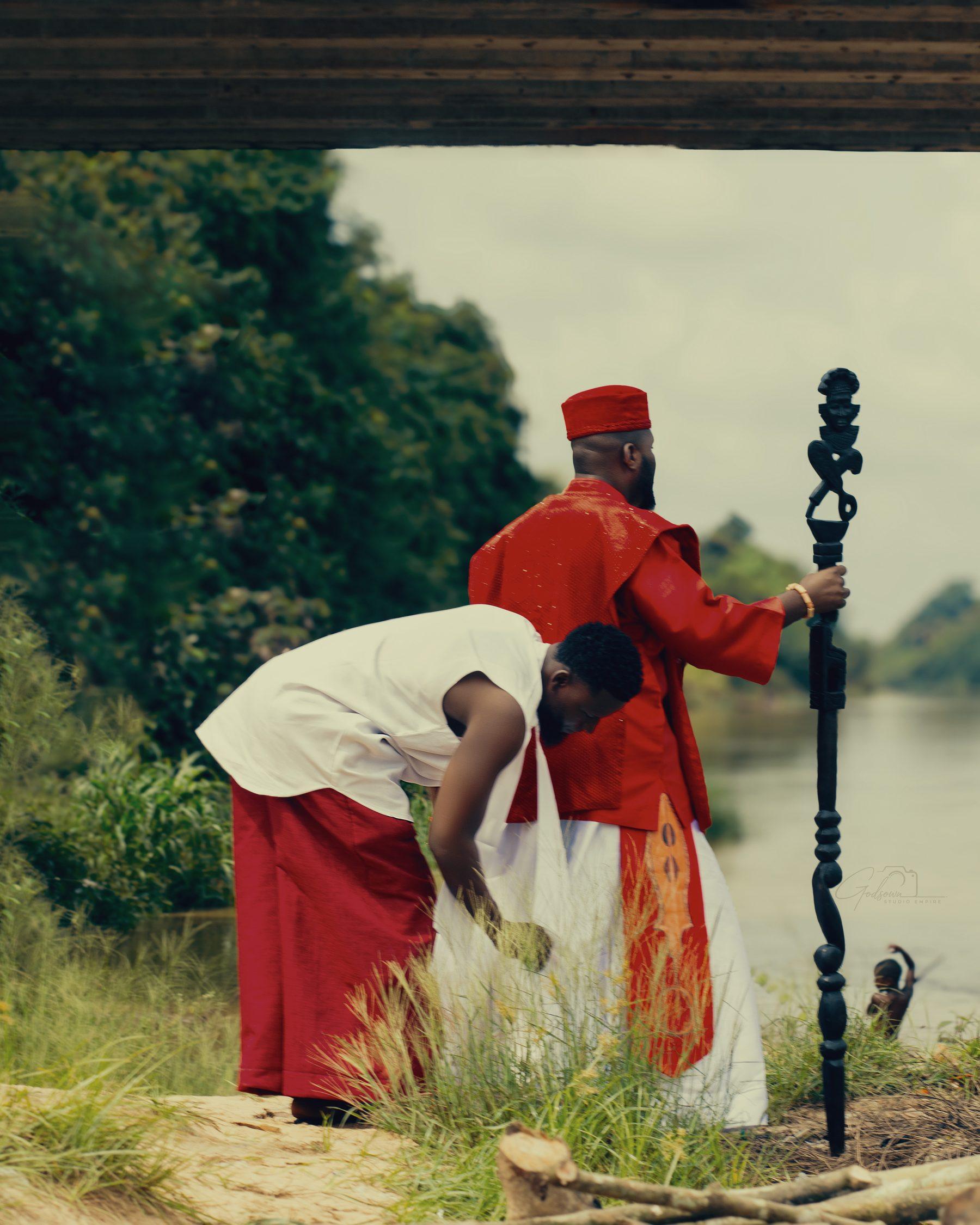 Behind the lens
Why your wedding needs a film, not just photographs
Photographs hold the detail. Film holds the sound, movement and feeling. What a wedding film actually captures — and how to plan the day for it.
Read the guide